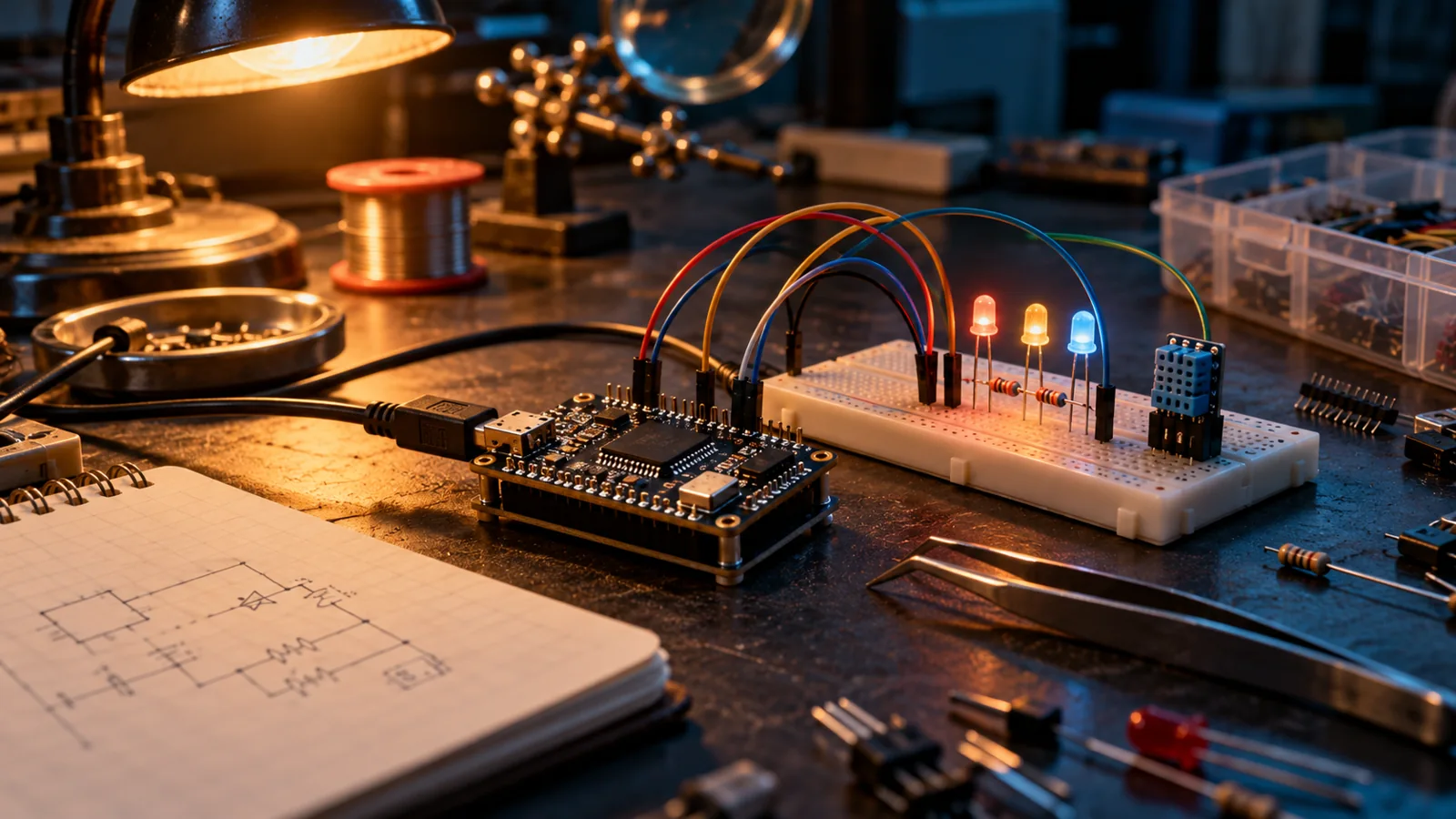
A microcontroller and breadboard circuit with glowing LEDs on a workbench.
← Playground

PLAYGROUND / FORMS TINKER 1.0

A little code, a little spark.

Code, circuits, and connections to the outside world. Explore in your browser or download the Windows app. Your projects stay local.

BUILD / CONNECT / EXPLORE

See what happens.

Build the circuit.

Choose from 269 catalog parts, including virtual PLCs, home automation contacts, ESP32-C6, Pico 2 W and Raspberry Pi references. Start with a full-page project chooser, then connect pins, route wires, edit properties, and try a starter. Each part identifies what it can simulate and what is reference-only.

Write something real.

Try the supported Arduino language subset, qualified ATmega328P HEX or RP2040 UF2 firmware, or real local CPython with simulated machine APIs. The workspace identifies the engine and its boundaries.

Study the analog side.

Separate ngspice tools run operating-point, DC, AC, and transient analysis locally. Inspect values and plots, then export the results as CSV.

Keep the work.

Save portable projects, export source, parts, wiring and SVG together, and return to your workspace offline after its resources have been cached.

Connect deliberately.

Use serial with a device and port you explicitly select in a supported browser. Simulation stays separate from hardware actions.

Microcontroller simulation and analog analysis are separate modes. Firmware and peripheral support have defined limits. Physical serial hardware has not been tested; universal flashing, PCB production, and proprietary PSpice compatibility are not included. Crossed wires connect at shared grid cells—route around crossings or use named nets where needed.

FORMS TINKER / TOOLKITS

Tools for your work.

Resources from Forms and the community, with a clear license and author on every toolkit.