Draw the starting point.
Create a custom profile or import SVG. Extrude, revolve, make a scaled-top loft, or sweep along a gentle path. Add practical features, shared dimensions, and ordered finishing steps.
PLAYGROUND / FORMS MAKE 1.0
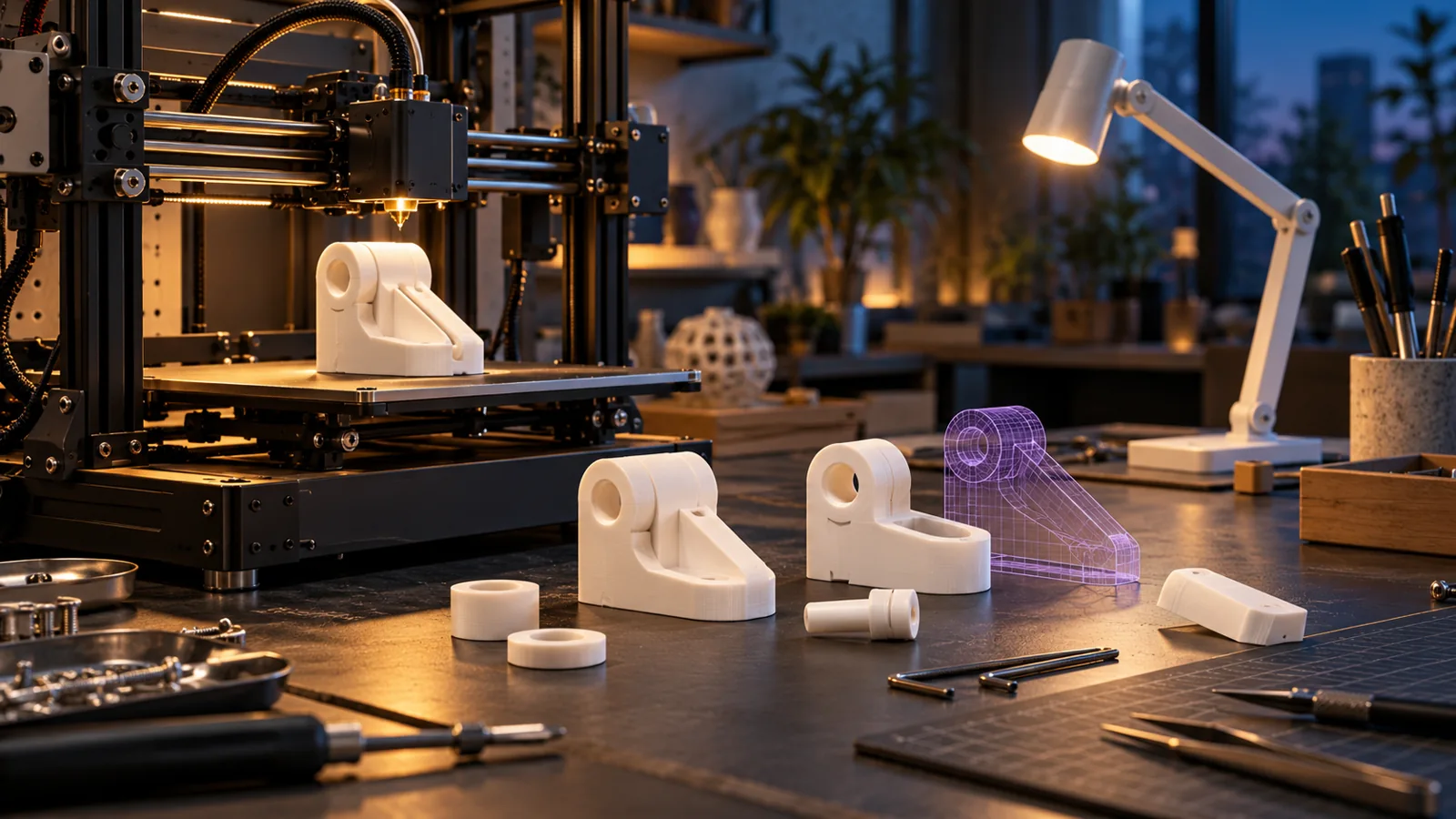
Model in your browser. Slice locally on Windows. Build an editable idea, shape it, and prepare it for the printer. Browser and Windows previews are available.
In development
View the launch scheduleFROM IDEA TO OBJECT
Create a custom profile or import SVG. Extrude, revolve, make a scaled-top loft, or sweep along a gentle path. Add practical features, shared dimensions, and ordered finishing steps.
Stretch, bend, and twist with Maintain properties or Distort properties. Hold Shift on a selected object for Maintain handles; hold Ctrl for Distort handles. Release to return to normal handles, or pin a set for touch and keyboard use. Fracture and shatter create capped parts with an assembly reference.
Save groups, plates, materials, quantities, and reusable library parts. Work in mm, cm, or inches, with the printer's front-left corner as the origin. Check fit and walls, then export STL or neutral 3MF for another slicer.
Windows Make includes a local slicing engine based on unmodified OrcaSlicer 2.4.2. Choose a printer, nozzle, material, and process; generate supports, infill, and brim; inspect actual toolpath layers; then export G-code or sliced 3MF. Browser Make saves a source-preserving .formsslice job to open in desktop Make.
A searchable catalog covers machine and nozzle variations, with custom printer settings. Bambu Lab, Creality, Prusa, Anycubic, Elegoo, Flashforge, QIDI, Sovol, Voron, and Snapmaker are the ten priority brands.
980 profiles across 61 brands passed software slicing checks, including all 548 profiles across those ten brands. Eight adapter-needed entries are blocked. These are software checks, not physical print validation.
Use native Element handoffs and update individual source parts. The Windows app also exchanges STEP for supported solid sources; import brings geometry rather than editable feature history. Unsupported deformed sources are refused for STEP and native Element authoring export.
Integrated slicing is desktop-local and currently supports single-filament FFF/FDM. Resin, multi-material, and proprietary native formats use appropriate external slicers. There is no automatic printer connection. Corner finishing and shelling retain their supported convex-profile limits; modeled threads are not certified thread standards.
Getting started with Make ↗FORMS MAKE / TOOLKITS
Resources from Forms and the community, with a clear license and author on every toolkit.
Purpose-built resources for the application.
Browse Forms toolkits ↗Useful work shared by people who use the tools.
Browse community toolkits ↗Keep ownership. Choose a license. Share something useful.
Prepare a submission ↗